Create particle systems in Python to form dynamic visual patterns
Create vector fields in Processing using indexes and Perlin Noise remapping to create flowing patterns
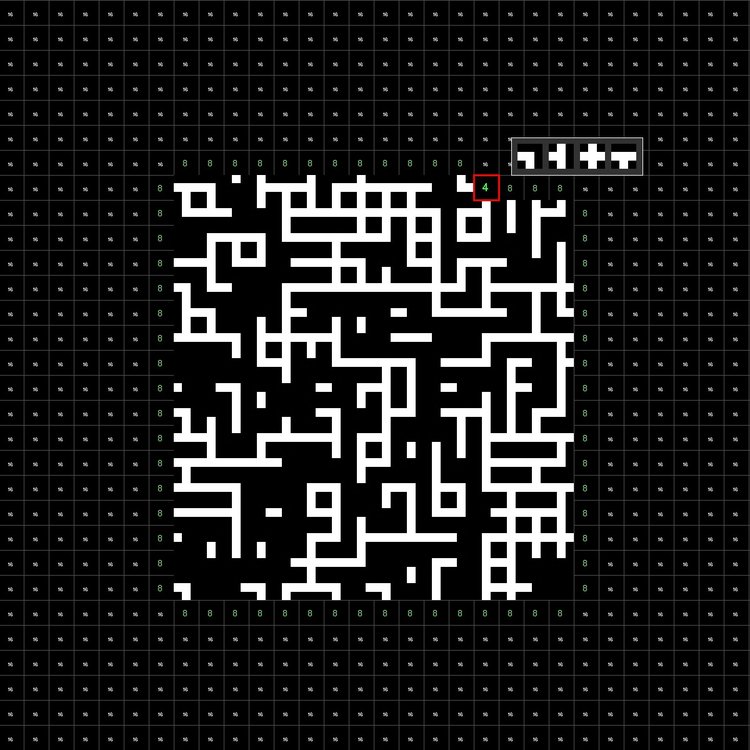
Apply algorithms to perform procedural generation to craft intricate tile-based patterns with customizable textures
5 Modules
30 Hours
6 hrs per module (approx.)
Rating
About Creative Coding for Designers Using Python
Creative Coding for Designers Using Python,marks the final installment in the comprehensive three-course specialization, aimed at significantly enhancing the programming capabilities of designers, artists, and visual thinkers through Python. As the advanced course in the series, Creative Coding for Designers Using Python adopts a project-based learning strategy to consolidate and apply the skills acquired from the first two courses. In this course, you’ll focus on dynamic simulations and procedural content generation, offering a deeper dive into Python's application in visual design and digital art. Designed for individuals who have grasped the basics of Python, including its syntax, data structures, and object-oriented programming principles, this course delves into sophisticated topics. Leveraging the Processing platform with Python, you’ll engage in interactive projects that transform theoretical knowledge into tangible outputs, bridging the gap between technical proficiency and artistic creativity.
Creative Coding for Designers Using Python is structured as an educational journey that combines technology and art, equipping participants with the skills to explore advanced digital design techniques. This course offers the tools and conceptual understanding necessary for the innovative application of Python in creating digital art and design projects.
This is the third and final course in a three-part series, Programming for Designers, aimed at equipping designers with essential computational design skills.
Skills You'll Gain
Computational Design
Object-Oriented Programming (OOP)
Python (Programming Language)
What You'll Earn
Certificate of Completion:
Certificates of completion acknowledge knowledge acquired upon completion of a non-credit course or program.
Welcome to Creative Coding for Designers Using Python, an advanced course in the Programming for Designers series. Dive into particle systems, vector fields, and ecosystem simulations to explore complex patterns and interactions. Learn advanced algorithms like A-Star and wave function collapse for generative design in architecture, gaming, and digital art. This course will expand your creative coding skills and empower you to design visually captivating and algorithmically rich projects.
This abbreviated syllabus description was created with the help of AI tools and reviewed by staff. The full syllabus is available to those who enroll in the course.
Course Schedule
Module 1: Particle Systems
Video: Specialization Overview
Video: Meet Your Instructor
Reading: Course Syllabus
Video: Summary of Course 2
Video: Course Overview
Video: Introduction to Our Learning Environment
Reading: Textbook: Setting up our Coding Environment - Python in Processing
Reading: Source Code for Creative Coding for Designers Using Python
Discussion Prompt: Introduce Yourself
Reading: Pre-Course Survey
Video: Project 1: Particle Systems
Reading: Textbook: Particle Systems
Video: Adding Forces
Video: Particle Lifespan
Video: Drawing Particle Trails
Graded Assignment: Practice Quiz: Particle Systems
Video: Creating a Force Class
Video: Closest Object Calculation
Video: Particles Interact with Force/s
Reading: Textbook: Forces
Video: Creating Forces & Particles Dynamically
Graded Assignment: Practice Quiz: Forces
Reading: Introduction to the Gamut Gallery Tool
App Item: Gallery: Week 1 Reflections
Graded: Week 1 Quiz: Particles & Forces
Module 2: Vector Fields
Video: Project 2: Vector Fields
Reading: Textbook: Vector Fields
Video: Vector Data From Perlin Noise
Video: Calibrating the Vector Field
Video: Calculating a Vector from Position Data
Reading: Textbook: Mouse Interaction
Video: Vector from Mouse History
Video: Painting Vectors with Mouse History
Graded Assignment: Practice Quiz: Vector Fields
Video: Neighboring Vectors
Video: Neighboring Vectors 2
Reading: Text: Neighboring vectors
Video: Calibrating the Paint Tool
Video: Particles Over Vector Field
Graded Assignment: Practice Quiz: Vector Field Interactions
App Item: Gallery: Week 2 Reflections
Graded: Week 2 Quiz: Vector Fields
Module 3: Ecosystem Simulation
Video: Project 3 - Ecosystem Simulation
Video: Herbivore Simulation
Video: Herbivore Simulation 02 - Decision Tree
Reading: Textbook: Decision Trees
Graded Assignment: Practice Quiz: Decision Trees
Video: Herbivore Simulation 03 - Transitions
Video: Herbivore Simulation 04 - Wander
Reading: Textbook: Ecosystem Simulation
Video: Herbivore Simulation 04 - Seek Food
Video: Herbivore Simulation 05 - Eating Food
Graded Assignment: Practice Quiz: Behaviors
Video: Herbivore Simulation 06 - Starvation
Video: Calibrating the Ecosystem
Video: Expanding the Ecosystem
App Item: Gallery: Week 3 Reflections
Graded: Week 3 Quiz: Ecosystem simulation
Module 4: Pathfinding
Video: Project 4: Pathfinding
Video: Environment Customization
Reading: Textbook: Pathfinding
Video: Accessing Neighbors
Video: Flood Fill Calculation
Video: Considering Obstacles
Graded Assignment: Practice Quiz: Flood Fill
Video: Optimal Path
Video: A-Star Algorithm
Reading: Textbook: A-Star
Video: A-Star Algorithm Part 2
Video: Visualizing A-Star Data
Video: Expanding the Pathfinding System
Graded Assignment: Practice Quiz: Pathfinding
App Item: Gallery: Week 4 Reflections
Graded: Week 4 Quiz: Pathfinding with A-Star
Module 5: Wave Function Collapse
Video: Project 5: Wave Function Collapse
Video: Environment
Video: Tile Compatibility
Reading: Textbook: Wave Function Collapse Introduction
Video: Collapsing a Cell
Video: Propagation
Video: Neighbor Compatibility
Reading: Textbook: Tile Compatibility
Graded Assignment: Practice Quiz: Wave Function Collapse Concepts
Video: Lowest Entropy
Video: Visualizing Possibilities
Video: Image Tile Sets
Video: Wrap Up
Graded Assignment: Practice Quiz: Wave Function Collapse Structure
App Item: Gallery: Week 5 Reflections
Video: What's Next?
Reading: Post-Course Survey
Graded: Week 5 Quiz: Wave Function Collapse
Grading Policy
To pass the course and earn the certificate, you must achieve an overall grade of 80%. Grades are based entirely on module review quizzes, with each quiz accounting for 20% of your final grade.